
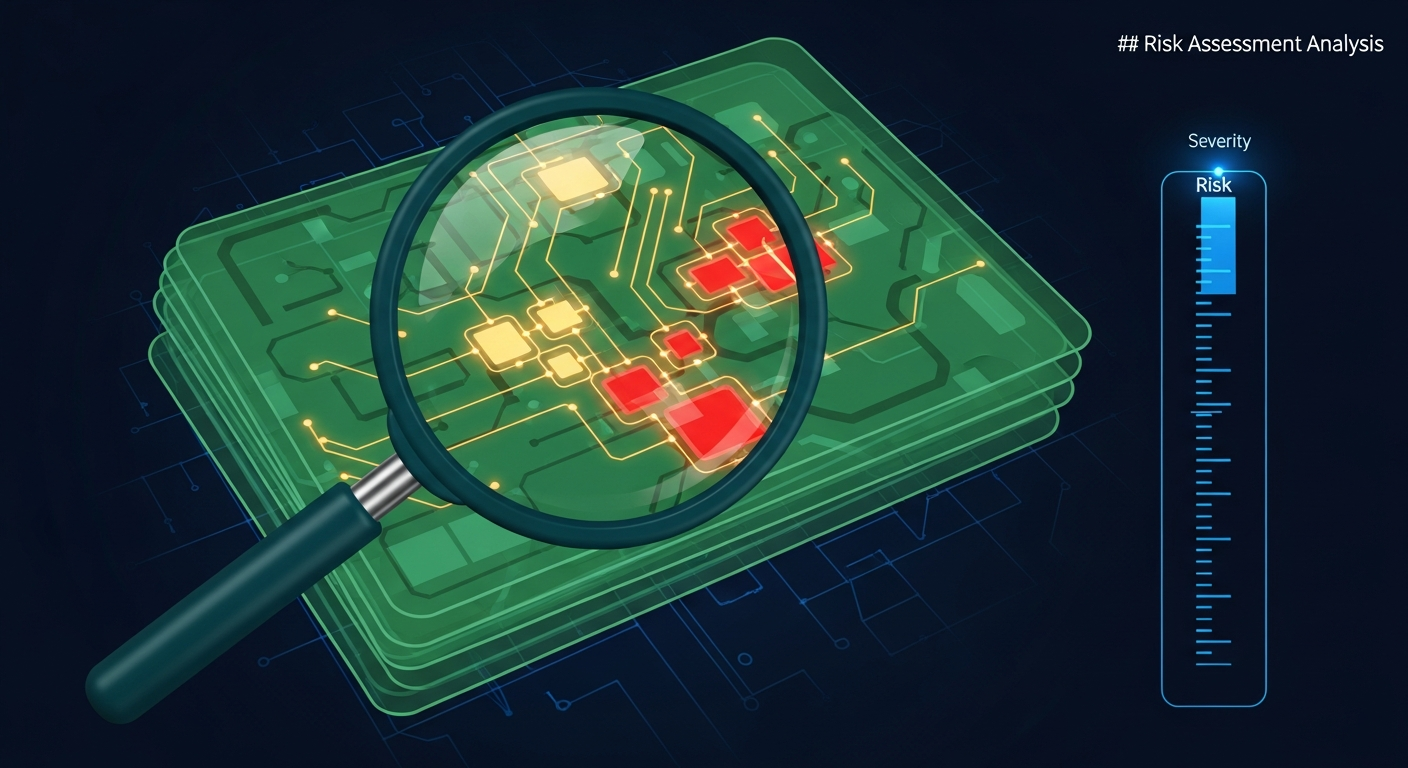
Overview
The SecuRight Prompt Risk Scanner performs static analysis on agent prompts and tool-binding configurations to detect high-risk patterns before they reach production. As agentic AI systems grow more autonomous — executing code, querying databases, calling external APIs — the prompts that govern their behaviour become critical attack surfaces. A single misconfigured system prompt or overly permissive tool binding can grant an attacker the ability to exfiltrate data, escalate privileges, or hijack an entire agent workflow.
The scanner operates without executing any prompts. It analyses prompt text, tool schemas, parameter constraints, and binding declarations to surface vulnerabilities through pattern matching, semantic analysis, and context-aware risk scoring. It works across all major agent frameworks including LangChain, CrewAI, AutoGen, and custom orchestration layers, parsing prompt templates in plain text, YAML, JSON, and TOML formats.
The scanner is designed for security engineers, platform teams, and AI developers who need to enforce guardrails across agent deployments. It produces deterministic, reproducible findings that can be tracked over time, integrated into CI/CD pipelines, and used to meet compliance requirements under frameworks such as the Australian AI Ethics Principles and ISO/IEC 42001.
Risk Categories
The scanner evaluates prompts and tool bindings against five core risk categories. Each finding is classified into one of these categories along with a severity level.
| Category | Description | Example Pattern |
|---|---|---|
| Injection Susceptibility | Prompts that accept unsanitised user input, lack delimiters between instructions and data, or are vulnerable to prompt override attacks. | System prompt concatenates raw user input without boundary markers or input validation. |
| Privilege Escalation | Tool bindings that grant write, delete, or administrative access without scope restrictions, or prompts that instruct agents to assume elevated roles. | Tool binding grants database:* permissions when only database:read is required. |
| Data Leakage | Patterns where sensitive context, API keys, internal system details, or PII could be exposed through agent responses or tool outputs. | System prompt embeds an API key or instructs the agent to return raw database rows without filtering. |
| Unsafe Tool Access | Tool configurations that allow unrestricted file system access, arbitrary code execution, or network calls to unvalidated endpoints. | A shell execution tool is bound with no allowlist for permitted commands. |
| Unvalidated Outputs | Agent responses that flow into downstream systems without schema validation, content filtering, or safety checks. | Agent output is passed directly to an SQL query builder or rendered as raw HTML. |
Scanning Methodology
The scanner employs a three-layer analysis pipeline to balance speed, accuracy, and contextual understanding.
1. Pattern Matching
The first pass applies a library of over 200 regular expression and AST-based rules against prompt text and configuration files. These rules detect known-dangerous patterns such as embedded credentials, unrestricted glob paths in file-access tools, missing input delimiters, and instruction-override phrases like "ignore previous instructions." Pattern matching runs in milliseconds and catches the most common misconfigurations.
2. Semantic Analysis
The second pass uses lightweight embedding models to analyse the intent and structure of prompt text. This layer identifies risks that pattern matching cannot — for example, a prompt that implicitly grants the agent permission to modify user data through indirect phrasing, or a tool description that misleads the agent about the scope of its capabilities. Semantic analysis compares prompt segments against a curated dataset of known-vulnerable prompt architectures.
3. Context-Aware Risk Scoring
The final pass evaluates findings in context. A tool binding that grants file-system write access is a higher risk when paired with a prompt that accepts user-controlled file paths than when the path is hardcoded. The scorer considers the full graph of prompt-to-tool relationships, parameter flow, and output routing to assign a composite risk score between 0 and 100. Findings above configurable thresholds are escalated to the appropriate severity level.
Static analysis alone will not catch every vulnerability in an agentic system. The Prompt Risk Scanner is designed to be one layer in a defence-in-depth strategy — complementing runtime monitoring, output validation, and human-in-the-loop review for high-stakes actions.
CLI Usage
The scanner ships as part of the securight CLI. Point it at a directory containing prompt files, agent configurations, or tool-binding schemas to begin scanning.
Basic directory scan
securight scan prompts/This recursively scans all supported files in the prompts/ directory and outputs findings to the terminal in a human-readable table format.
JSON output for automation
securight scan prompts/ --format jsonProduces structured JSON output suitable for ingestion by CI/CD systems, dashboards, or security information and event management (SIEM) platforms.
Scan specific files with severity filter
securight scan agent-config.yaml system-prompt.txt --min-severity highScans only the specified files and suppresses findings below HIGH severity. Useful for focused reviews or gating pull requests on critical issues only.
Scan with a custom rule configuration
securight scan prompts/ --config .securight/rules.yaml --verboseApplies a custom rule configuration and enables verbose output that includes the matched rule ID, affected line numbers, and remediation guidance for each finding.
Example Findings
Below is representative output from scanning an agent configuration directory. Each finding includes a severity level, rule identifier, file location, and a description of the detected risk.
$ securight scan agents/

  CRITICAL  PRS-101  agents/support-bot/system-prompt.txt:14
  Unsanitised user input injected directly into system prompt.
  User-supplied {{customer_query}} is concatenated without input
  delimiters or sanitisation. An attacker can override system
  instructions via crafted input.

  HIGH      PRS-204  agents/support-bot/tools.yaml:31
  Overly permissive tool binding: database tool granted full
  read/write access. Scope should be restricted to read-only
  operations for this agent's function.

  HIGH      PRS-302  agents/data-pipeline/config.json:8
  API key embedded in prompt context. The variable {{api_key}}
  resolves to a plaintext credential that will be visible in
  agent context and potentially in logged responses.

  MEDIUM    PRS-405  agents/data-pipeline/system-prompt.txt:22
  Agent output routed to SQL query builder without schema
  validation. Downstream injection risk if agent produces
  malformed or adversarial output.

  MEDIUM    PRS-118  agents/support-bot/system-prompt.txt:3
  No explicit instruction boundary between system instructions
  and user input section. Recommend adding delimiter markers
  such as ### SYSTEM ### and ### USER INPUT ###.

  LOW       PRS-510  agents/reporting/tools.yaml:45
  Tool description is vague: "Handles file operations." Unclear
  scope may cause the agent to invoke this tool in unintended
  contexts. Recommend a precise description of permitted actions.

  ---
  6 findings (2 CRITICAL, 2 HIGH, 2 MEDIUM, 0 LOW suppressed by default)
  Composite risk score: 78/100
--fail-on flag to set exit codes based on severity. For example, securight scan prompts/ --fail-on high returns a non-zero exit code if any HIGH or CRITICAL findings are present, which will cause your CI pipeline to fail.
Integration Patterns
The scanner is built to fit into existing development workflows without friction. Below are the three most common integration points.
CI/CD Pipelines
Add the scanner as a step in your GitHub Actions, GitLab CI, or Bitbucket Pipeline configuration. The JSON output format and configurable exit codes make it straightforward to gate deployments on prompt security findings.
# GitHub Actions example
- name: Scan agent prompts
  run: |
    securight scan agents/ \
      --format json \
      --fail-on high \
      --output results/prompt-scan.json

- name: Upload scan results
  uses: actions/upload-artifact@v4
  with:
    name: prompt-risk-report
    path: results/prompt-scan.json
IDE Plugins
The scanner integrates with VS Code and JetBrains IDEs through the SecuRight extension. Findings are displayed inline as diagnostics — underlined in the editor with severity-coloured markers. Hover over a finding to see the rule description and suggested remediation. The extension runs the scanner in watch mode, re-analysing files on save.
Pre-Commit Hooks
Use the scanner as a pre-commit hook to catch issues before they enter version control. This is particularly effective for teams managing prompt templates alongside application code.
# .pre-commit-config.yaml
repos:
  - repo: https://github.com/securight/prompt-risk-scanner
    rev: v1.4.0
    hooks:
      - id: securight-scan
        args: ["--fail-on", "medium", "--min-severity", "low"]
        files: '\.(txt|yaml|yml|json|toml)$'
Configuration
The scanner is configurable through a YAML file placed at .securight/rules.yaml in your project root or passed explicitly via the --config flag. Configuration allows you to customise rules, ignore specific findings, adjust severity thresholds, and define project-specific patterns.
Custom Rules
Define additional patterns to scan for using regular expressions or keyword lists. Custom rules are useful for catching organisation-specific anti-patterns such as references to deprecated internal APIs or banned tool configurations.
# .securight/rules.yaml
custom_rules:
  - id: CUSTOM-001
    description: "References deprecated internal auth API"
    pattern: "auth-v1\\.internal\\.example\\.com"
    severity: high
    category: unsafe_tool_access

  - id: CUSTOM-002
    description: "Agent prompt grants sudo-level shell access"
    keywords: ["sudo", "run as root", "admin shell"]
    severity: critical
    category: privilege_escalation
Ignore Patterns
Suppress specific findings by rule ID, file path, or inline annotation. This is useful for acknowledged risks that have been reviewed and accepted, or for test fixtures that intentionally contain vulnerable patterns.
ignore:
  rules:
    - PRS-510   # Accepted: vague tool descriptions in legacy agent
  paths:
    - "tests/fixtures/**"
    - "docs/examples/**"
You can also suppress individual findings inline within prompt files using a comment annotation:
# securight-ignore PRS-118: Delimiter omitted intentionally for backward compatibility
You are a helpful support assistant.
{{user_input}}
Severity Thresholds
Adjust the composite risk score thresholds that determine severity classifications. Organisations with stricter security postures can lower the thresholds to surface more findings at higher severity levels.
thresholds:
  critical: 85   # Default: 90
  high: 65       # Default: 70
  medium: 40     # Default: 45
  low: 10        # Default: 15
Configuration files should be committed to version control alongside your agent code. This ensures that security rules evolve with your codebase and that all team members are scanning against the same policy baseline.
The Prompt Risk Scanner is available now as part of the SecuRight CLI. Install it via npm install -g @securight/cli or pull the Docker image at securight/cli:latest. For teams managing large-scale agent deployments, the scanner supports parallel execution across directories and can process thousands of prompt files in seconds.